
-25%
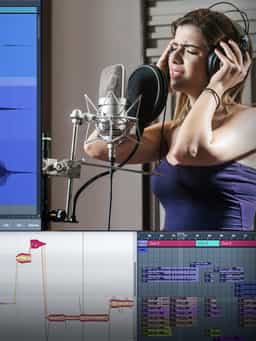
Edit, Comp, Tune, and Produce Professional-Quality Vocals in Your DAW
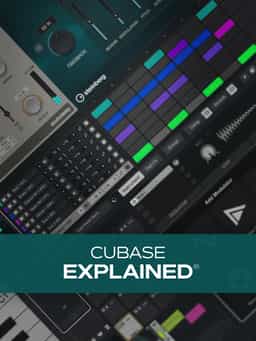
If you're new to Cubase and are ready to start recording your own music, then this Cubase course is for you. Gary Hiebner guides you through every step of this Cubase video tutorial series, from setting up your audio interface and creating your first project to exporting your final song. Along the way, you'll learn tons of invaluable skills, from recording audio and MIDI to using buses, effects, and automation; programming drum parts; editing; navigating your session; and much more. These videos are designed for new Cubase users.
"Cubase Explained®” provides a complete introduction to Cubase, guiding new users from initial setup through finishing and exporting a full song. Presented by Gary Hiebner, this training walks through the essential tools and workflows needed to begin recording and producing music in Cubase. The course begins with creating your first project, configuring your audio interface inputs and outputs, adjusting sample rate and buffer size, and connecting MIDI devices. From there, you’ll explore key features including track creation, rack instruments, tempo setup, and recording MIDI. You’ll also learn how to quantize performances, edit MIDI notes, adjust velocities, and refine parts using Cubase’s editing tools. Additional lessons cover Arranger tools, the Key Editor, Drum Editor, Pattern Sequencer, record modes, importing audio, comping multiple takes, insert and send effects such as reverb and delay, automation, buses, and exporting your finished track. By the end, you’ll understand how to record audio and MIDI, edit performances, shape sounds with effects, and complete a full production from start to finish in Cubase.
Edit, Comp, Tune, and Produce Professional-Quality Vocals in Your DAW
Learn tips on how to create effective HyperPop productions with these informative video tutorials.
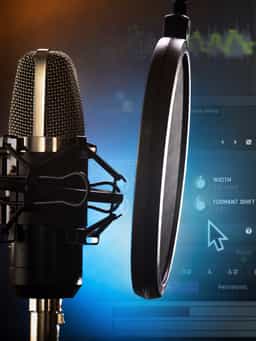
Modern Vocal Effects and Creative Processing Techniques for Contemporary Productions
Build Expressive String Arrangements Through Strong Harmony, Voice Leading, and Realistic Ensemble Writing
Learn how to use this AI-powered virtual vocalist app to generate, edit, and process professional-sounding vocals in virtually any style. All parameters and controls are explained, and numerous examples demonstrate it in action.
Take a deep dive into the functionality of Pro Tools with this comprehensive video tutorial series.
Learn Suno Studio – AI Music Creation from Basic to Advanced

Launch a Professional Audio or Video Podcast from Recording to Final Export
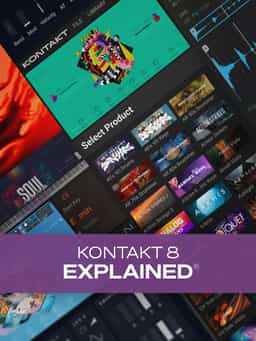
Learn everything you need to start using the incredibly powerful virtual sampler from Native Instruments and more!
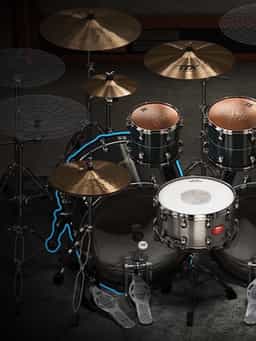
Master Toontrack’s Flagship Drum Instrument with Luke Oswald


