
-25%
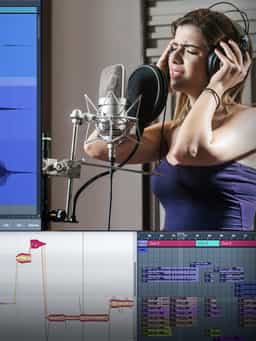
Edit, Comp, Tune, and Produce Professional-Quality Vocals in Your DAW
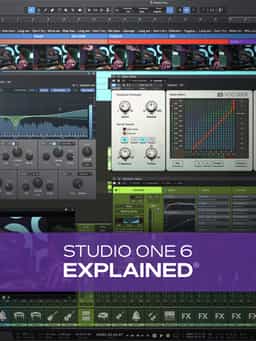
Join Studio One guru Eli Krantzberg for a complete walk-through of Presonus's Studio One 6! With a runtime of over 6.5 hours, Eli leaves few stones unturned in this comprehensive Studio One video manual course. Whether you're brand new to Studio One or a long-time user that just wants to learn about the new bells and whistles, Eli's got you covered. From audio recording to mixing, MIDI parameters to automation, plug-ins to editing and much more, you'll be ready to start making music immediately after completing the course with a thorough command of this DAW's impressive list of features. These videos are for new Studio One 6 users.
"Studio One 6 Explained®” delivers a comprehensive walkthrough of PreSonus Studio One 6, covering its core workflow, recording tools, editing features, and mixing capabilities. Instructor Eli Krantzberg guides you through the DAW from initial setup to final mix, helping new users understand how to work efficiently and confidently. The training begins with the Start Page, where you’ll configure audio interfaces, install content, and manage system settings. From there, you’ll move into the Song Page to create projects, navigate the interface, explore tracks and channels, and set up tempo and metronome preferences. You’ll learn how to record MIDI and audio, use quantize and Autopunch, manage recording modes, and keep sessions organized. Additional lessons cover editing tools such as snapping, the Smart Tool, Clip Versions, and Edit Groups; arranging features like the Arranger Track, Chord Track, key and tempo changes, and Melodyne; and mixing tools including the Console, plug-ins, sidechaining, automation, the Channel Editor, multi instruments, the Listen Bus, scenes, and the Video Track. By the end, you’ll understand how to record, edit, arrange, and mix complete productions in Studio One 6 with confidence.
Edit, Comp, Tune, and Produce Professional-Quality Vocals in Your DAW
Learn tips on how to create effective HyperPop productions with these informative video tutorials.

Modern Vocal Effects and Creative Processing Techniques for Contemporary Productions
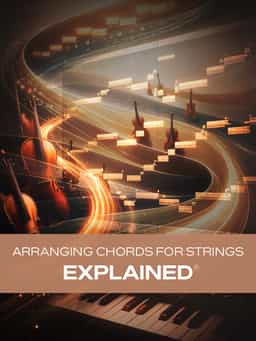
Build Expressive String Arrangements Through Strong Harmony, Voice Leading, and Realistic Ensemble Writing
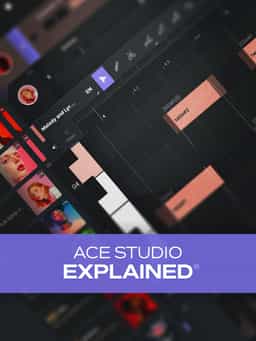
Learn how to use this AI-powered virtual vocalist app to generate, edit, and process professional-sounding vocals in virtually any style. All parameters and controls are explained, and numerous examples demonstrate it in action.
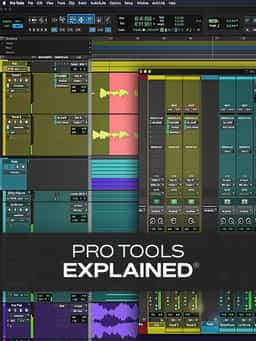
Take a deep dive into the functionality of Pro Tools with this comprehensive video tutorial series.
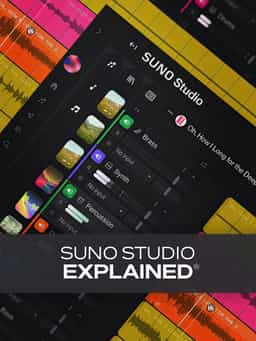
Learn Suno Studio – AI Music Creation from Basic to Advanced

Launch a Professional Audio or Video Podcast from Recording to Final Export
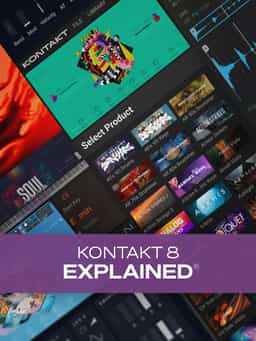
Learn everything you need to start using the incredibly powerful virtual sampler from Native Instruments and more!
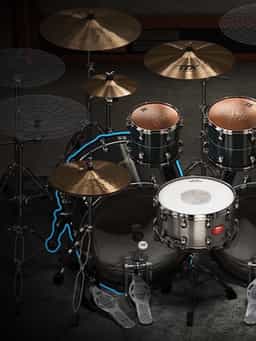
Master Toontrack’s Flagship Drum Instrument with Luke Oswald


