
-31%
Create, Remix, and Expand Music Ideas with AI Tools and Plugins
Learn 10 practical mastering tips, including dynamic saturation, side frequency EQ, resonance control, mono low end, clipping, limiter automation, and workflow improvements.
“Top 10 Mastering Tips” delivers ten focused techniques designed to improve both the sound and efficiency of your mastering process. In this course, Larry Holcombe demonstrates practical concepts that can be applied immediately to achieve clearer, punchier, and more balanced masters. The training begins with adding controlled, dynamic saturation using Saturn 2 to enhance punch and tonal richness. You’ll then explore the benefits of maintaining consistent target levels between sessions for faster setup and decision-making. Next, Larry covers processing side frequencies with both static and dynamic EQ, reducing high-end spikes using Soothe2, and ensuring a solid, mono-compatible low end. Additional lessons include suppressing resonances with Pro-Q 4, managing mid/side compression with Pro-C 2, using clipping to prevent overworking a limiter, recovering low-end groove with Low End Focus, and automating limiter thresholds to enhance drops. Each tip is demonstrated within a mastering context so you can hear how these adjustments affect the final result.
Create, Remix, and Expand Music Ideas with AI Tools and Plugins
Edit, Comp, Tune, and Produce Professional-Quality Vocals in Your DAW
Learn tips on how to create effective HyperPop productions with these informative video tutorials.
Create Chord Progressions and Arrangements Using Captain Plugins & Scaler 2
Modern Vocal Effects and Creative Processing Techniques for Contemporary Productions
Build Expressive String Arrangements Through Strong Harmony, Voice Leading, and Realistic Ensemble Writing
Learn how to use this AI-powered virtual vocalist app to generate, edit, and process professional-sounding vocals in virtually any style. All parameters and controls are explained, and numerous examples demonstrate it in action.
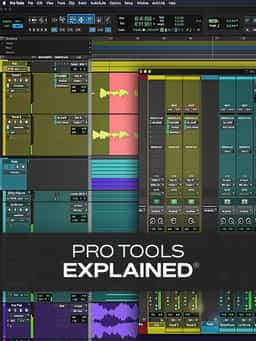
Take a deep dive into the functionality of Pro Tools with this comprehensive video tutorial series.
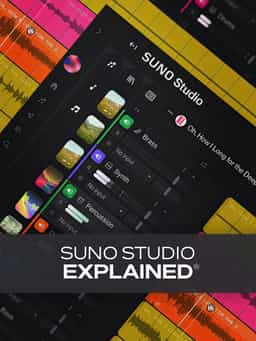
Learn Suno Studio – AI Music Creation from Basic to Advanced

Launch a Professional Audio or Video Podcast from Recording to Final Export


