

AI-Powered Speaker Separation

Transform any mono or stereo recording into isolated speaker stems, subtitles, and timeline files for podcasts, interviews, post-production, and research workflows. With a single plug-in instance, Speaker Diarization Pro uses embedded diarization model assets to detect speaker boundaries and export per-voice outputs, saving hours of manual editing.
Initial release on MuseHub
Automatically split mixed-speaker audio into separate tracks, right inside your DAW. Transform any mono or stereo recording into isolated speaker stems, subtitles, and timeline files for podcasts, interviews, post-production, and research workflows. With a single plug-in instance, Speaker Diarization Pro uses embedded diarization model assets to detect speaker boundaries and export per-voice outputs, saving hours of manual editing. Key Features: • Advanced Speaker Segmentation (1 to 20): Choose the number of speakers from 1 to 20, or enable Auto mode for speaker-count detection. • Expanded Pro Input Formats: Pro supports WAV, MP3, AIFF/AIF, FLAC, and OGG. Basic supports WAV only. • Higher Speaker-Identity Accuracy vs first Basic (192-dim): Pro uses full 512-dimensional speaker embeddings. That is +167% richer embedding representation (512 vs 192) and removes the earlier 63% embedding truncation. In practice, diarization quality is more stable on difficult multi-speaker recordings. • Pro Controls for Cleaner Turns: Adjust sensitivity, minimum segment length, and merge gap for better speaker boundary behavior. • Hardware Modes:Run Auto hardware mode (GPU when available with CPU fallback) or force CPU-only mode. • Multi-Export Workflow: Export WAV stems, SRT subtitles, and CSV diarization timeline in one run. • Fully Local Processing: Runs inside your DAW with no cloud upload and no external app round-trip. • Pro vs Basic (Quick Contrast): Capabilities: Basic: Input formats: WAV only Max speakers: Up to 10 Exports: WAV stems Pro: Input formats: WAV, MP3, AIFF/AIF, FLAC, OGG Max speakers: Up to 20 + Auto mode Exports: WAV stems, SRT, CSV How It Works: 1. Open the Speaker Diarization Pro plugin in your DAW program. 2. Browse your recording file (WAV, MP3, AIFF/AIF, FLAC, or OGG) and set speaker count. 3. Adjust sensitivity, minimum segment length, merge gap, and hardware mode as needed. 4. Run processing and export selected outputs automatically. What’s Included: • Speaker Diarization Pro.vst3 (x86, x64, arm64) • ONNX models (.onnx) pre-optimized for real-time • Runtime components required by the plug-in • Lifetime license with free minor updates Licensing & Support: • Perpetual License: purchase once, use forever Take your podcast, interview, and post-production workflow to the next level. Use Speaker Diarization Pro and stop manual chopping — let AI do the hard work.
AI-Powered Speaker Separation
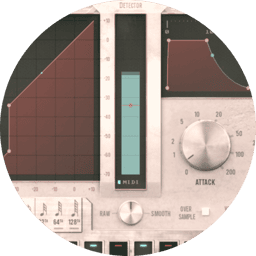
Smooth and natural sounding gate plugin

AI vocal cloning and transformation plugin
A Reverb that evolves with your audio

Authentic Simulated Reverb

IMPORTANT: Requires Audacity 3.7.4 or later
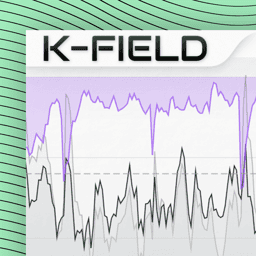
Dual Compression for Precise Dynamic Control
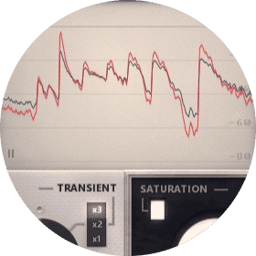
Intuitive Dynamics Control
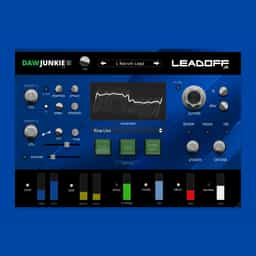
Simple Wavetable Synth for Expressive Leads

Turn your sound library into a playable instrument


