
-31%
Create, Remix, and Expand Music Ideas with AI Tools and Plugins

Studio guru Eli Krantzberg delivers comprehensive Melodyne 5 video tutorials! Learn all the basics, its features and functions, and how to use them effectively to manipulate your audio track's pitch and time, with incredible results. These videos are designed for new Melodyne 5 users.
"Melodyne 5 Explained®" is a complete video training series designed to help you master Celemony Melodyne 5 for professional vocal and audio editing across all workflow environments. Taught by Melodyne expert Eli Krantzberg, this comprehensive course takes a fresh look at Melodyne from the ground up, incorporating all new Melodyne 5 features alongside essential techniques that work across Studio, Editor, and Assistant editions. The course begins by familiarizing you with Melodyne's interface across different environments—whether you're working standalone, using ARA integration in Logic Pro X, Cubase, or Studio One, or running as a traditional plugin in Pro Tools. You'll learn to navigate the note editor, understand blob editing fundamentals, and configure your workspace for efficient audio manipulation. As the lessons progress, you'll master Melodyne 5's new features including the percussive pitched algorithm for drums and rhythmic material, the leveling macro for dynamic control, advanced chord and scale detection functions, the sibling balance tool for managing harmonic relationships, and the new fade tool for smooth transitions. You'll also explore the three essential macros—pitch correction, timing adjustment, and leveling—along with the sound editor for advanced tonal shaping. The course covers multi-track workflows, key and scale detection, track versus clip modes, and professional techniques for vocal tuning, instrument correction, and creative sound design. Whether you're working with lead vocals, backing harmonies, or instrumental performances, you'll learn to achieve transparent corrections or creative transformations. By the end of this course, you'll confidently edit vocals and instruments to professional standards, apply sophisticated pitch and timing corrections, and utilize Melodyne 5's complete toolset across any DAW environment. If you're ready to master industry-standard vocal editing and take your audio production to the next level, this course is your complete guide to Melodyne 5.
Create, Remix, and Expand Music Ideas with AI Tools and Plugins
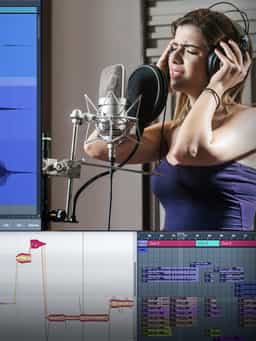
Edit, Comp, Tune, and Produce Professional-Quality Vocals in Your DAW
Learn tips on how to create effective HyperPop productions with these informative video tutorials.
Create Chord Progressions and Arrangements Using Captain Plugins & Scaler 2

Modern Vocal Effects and Creative Processing Techniques for Contemporary Productions
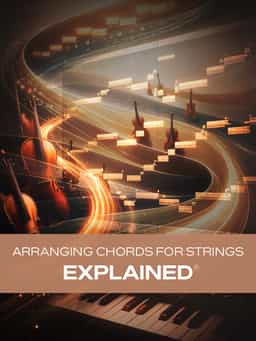
Build Expressive String Arrangements Through Strong Harmony, Voice Leading, and Realistic Ensemble Writing
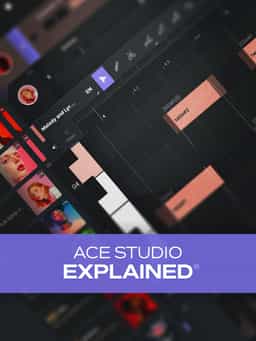
Learn how to use this AI-powered virtual vocalist app to generate, edit, and process professional-sounding vocals in virtually any style. All parameters and controls are explained, and numerous examples demonstrate it in action.
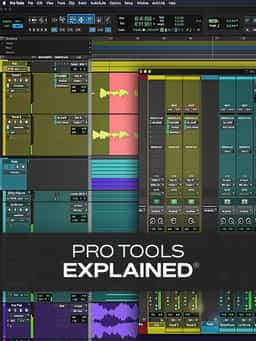
Take a deep dive into the functionality of Pro Tools with this comprehensive video tutorial series.
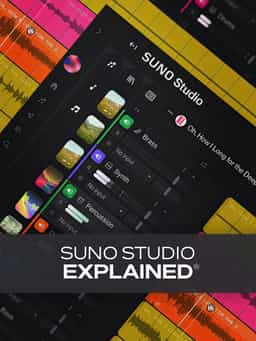
Learn Suno Studio – AI Music Creation from Basic to Advanced

Launch a Professional Audio or Video Podcast from Recording to Final Export


